- AI usage meter, which filters the events with the name
ai_usageand sums thetotal_tokensfield. - Video streaming meter, which filters the events with the name
video_streamedand sums thedurationfield. - File upload meter, which filters the events with the name
file_uploadedand sums thesizefield.
Creating a Meter
To create a meter, navigate to the Meters page in the sidebar and click the “Create Meter” button.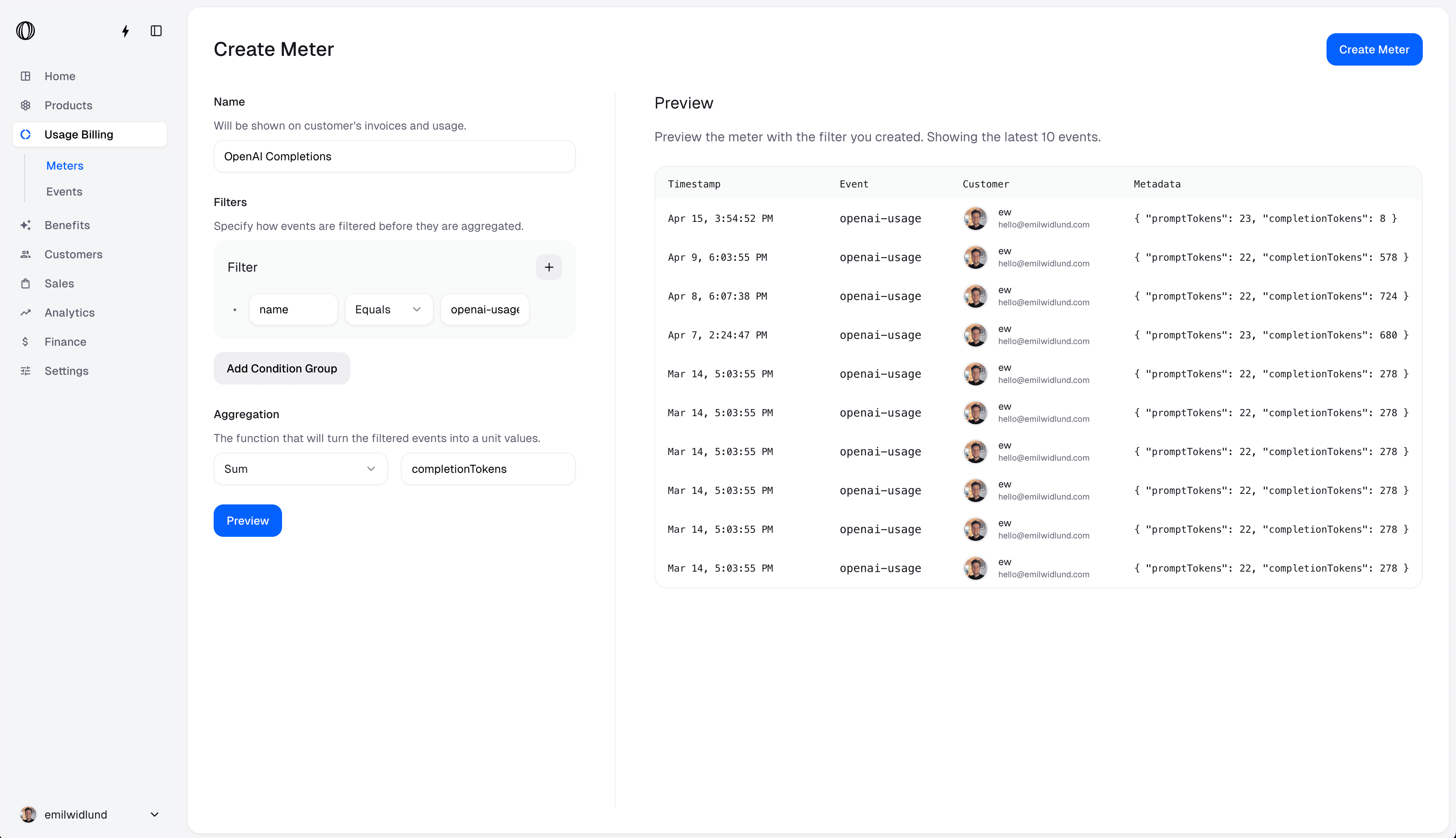
Filters
A filter is a set of clauses that are combined using conjunctions. They’re used to filter events that you’ve ingested into Polar.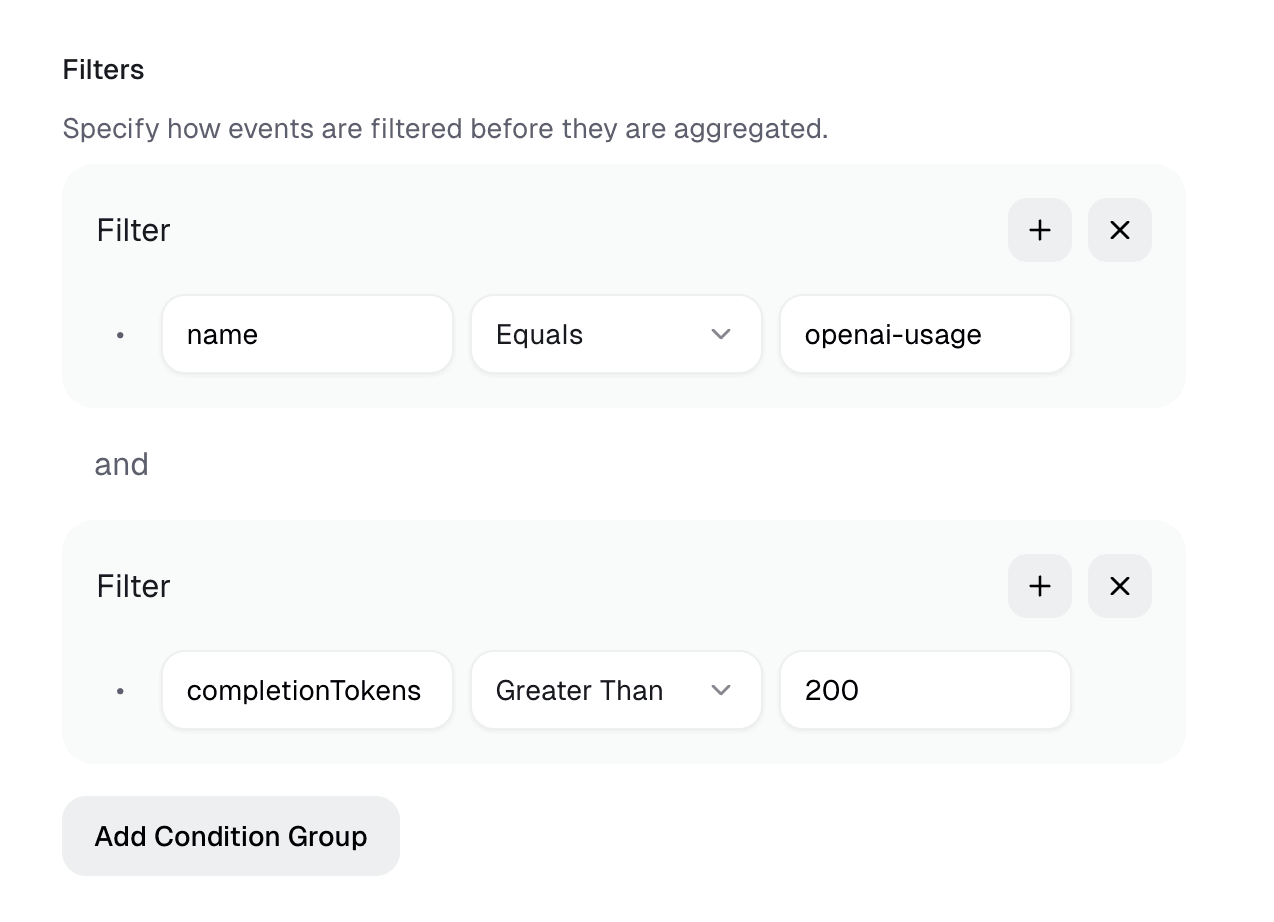
Clauses
A clause is a condition that an event must meet to be included in the meter.Property
Properties are the properties of the event that you want to filter on. If you want to match on a metadata field, you can use the metadata key directly. No need to include ametadata. prefix.
Operator
Operators are the operators that you want to use to filter the events.- Equals
- Not equals
- Greater Than
- Greater Than or Equals
- Less Than
- Less Than or Equals
- Contains
- Does Not Contain
Value
Values are automatically parsed in the filter builder. They’re parsed in the following order:- Number — Tries to parse the value as number
- Boolean — Checks if value is “true” or “false”
- String — Treats value as string as fallback
Conjunctions
A conjunction is a logical operator that combines two or more clauses.- and — All clauses must be true for the event to be included.
- or — At least one clause must be true for the event to be included.
Aggregation
The aggregation is the function that is used to aggregate the events that match the filter. For example, if you want to count the number of events that match the filter, you can use the Count aggregation. If you want to sum the value of a metadata field, you can use the Sum aggregation.- Count — Counts the number of events that match the filter.
- Sum — Sums the value of a property.
- Average — Computes the average value of a property.
- Minimum — Computes the minimum value of a property.
- Maximum — Computes the maximum value of a property.
- Unique — Counts the number of unique values of a property.
Example
Example
Consider the following events:Here is the result of each aggregation function, over the
total_tokens metadata property:- Count: 4 units
- Sum: 90 units
- Average: 22.5 units
- Minimum: 10 units
- Maximum: 30 units
- Unique: 3 units
metadata. prefix.
Unit
The unit controls how prices for this meter are formatted and displayed to customers — on invoices, in the customer portal, and in your checkout. It does not affect billing calculation; it is purely presentational.| Unit | Display format | Best for |
|---|---|---|
| Scalar | $0.05 / unit | Generic counts (API calls, events, seats) |
| Token | $20.00 / 1M tokens | LLM token consumption |
| Custom | Configurable (see below) | Any unit not covered above |
Custom unit
Select Custom to define your own display format. Two additional fields appear:- Unit label — The singular name shown after the price, e.g.
gigabytedisplays as$0.023 / gigabyte. - Unit multiplier — Scales the displayed price so you can show a more readable denomination. For example, a multiplier of
1000shows the price per 1 000 units rather than per single unit.
Example
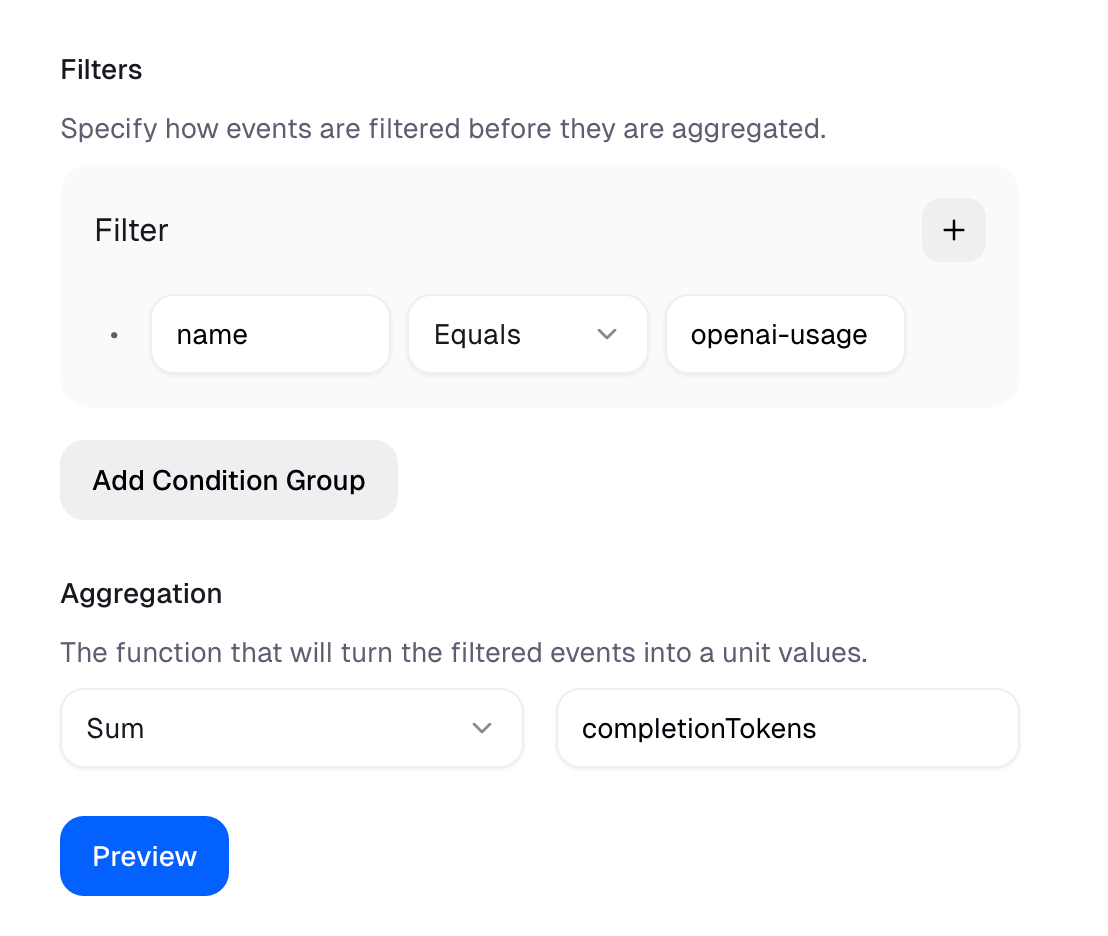
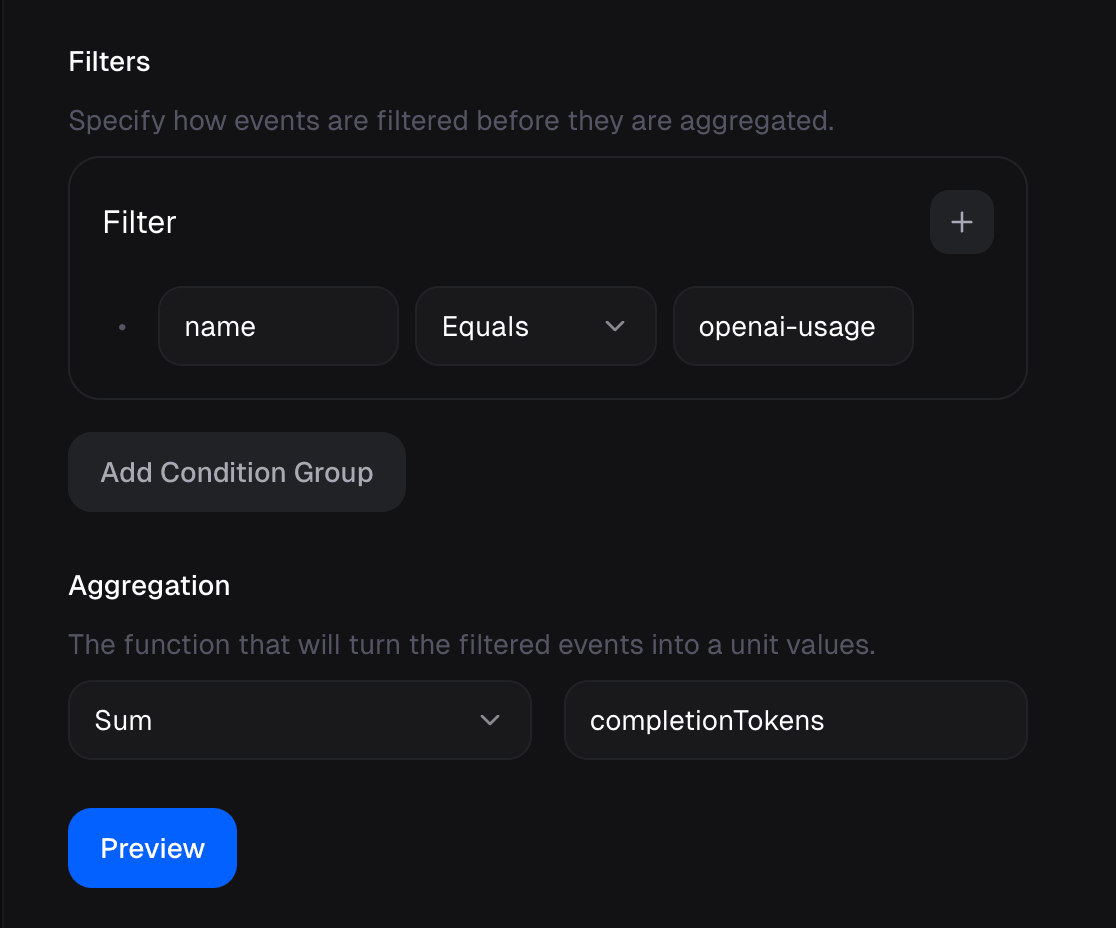
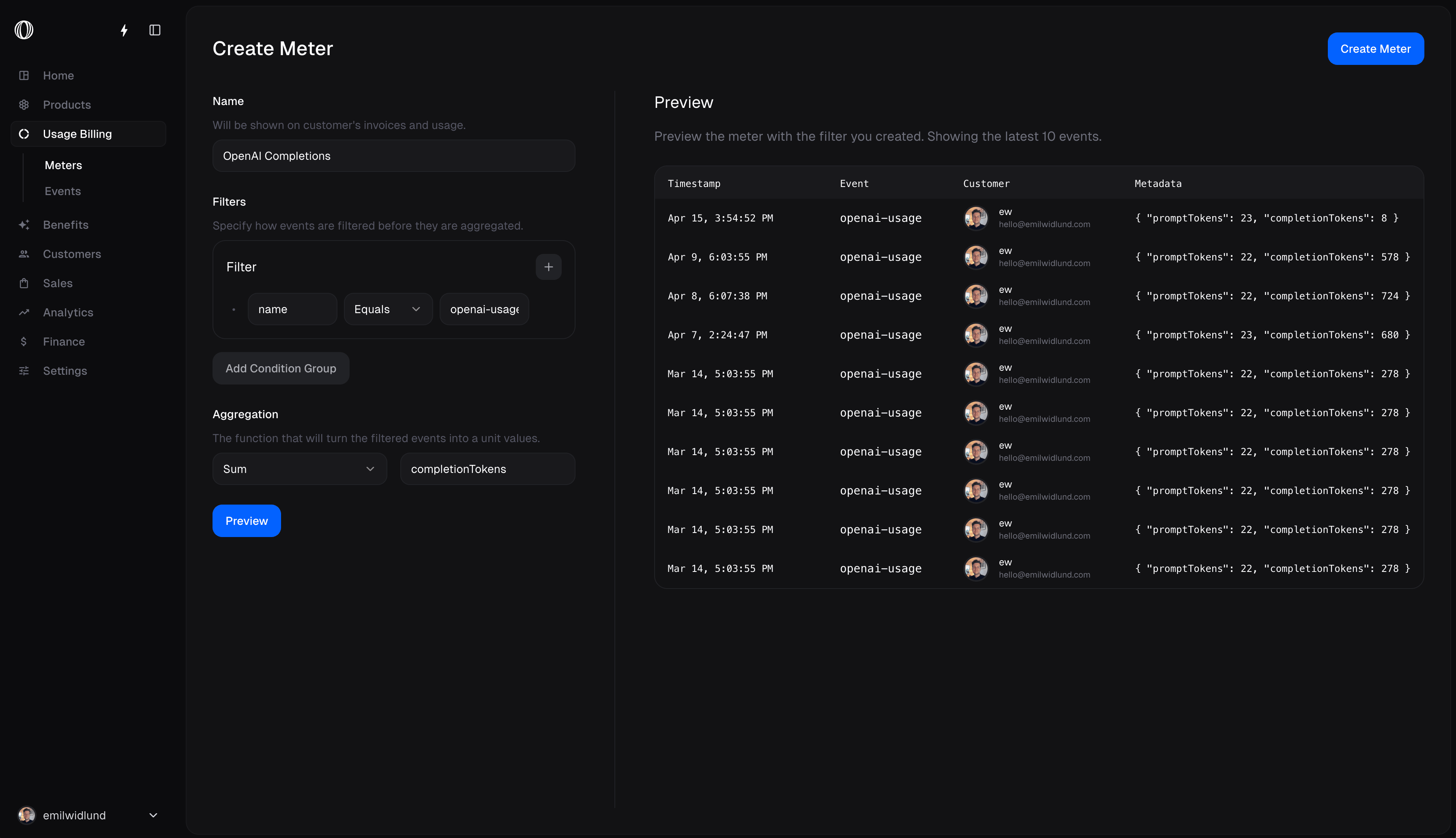
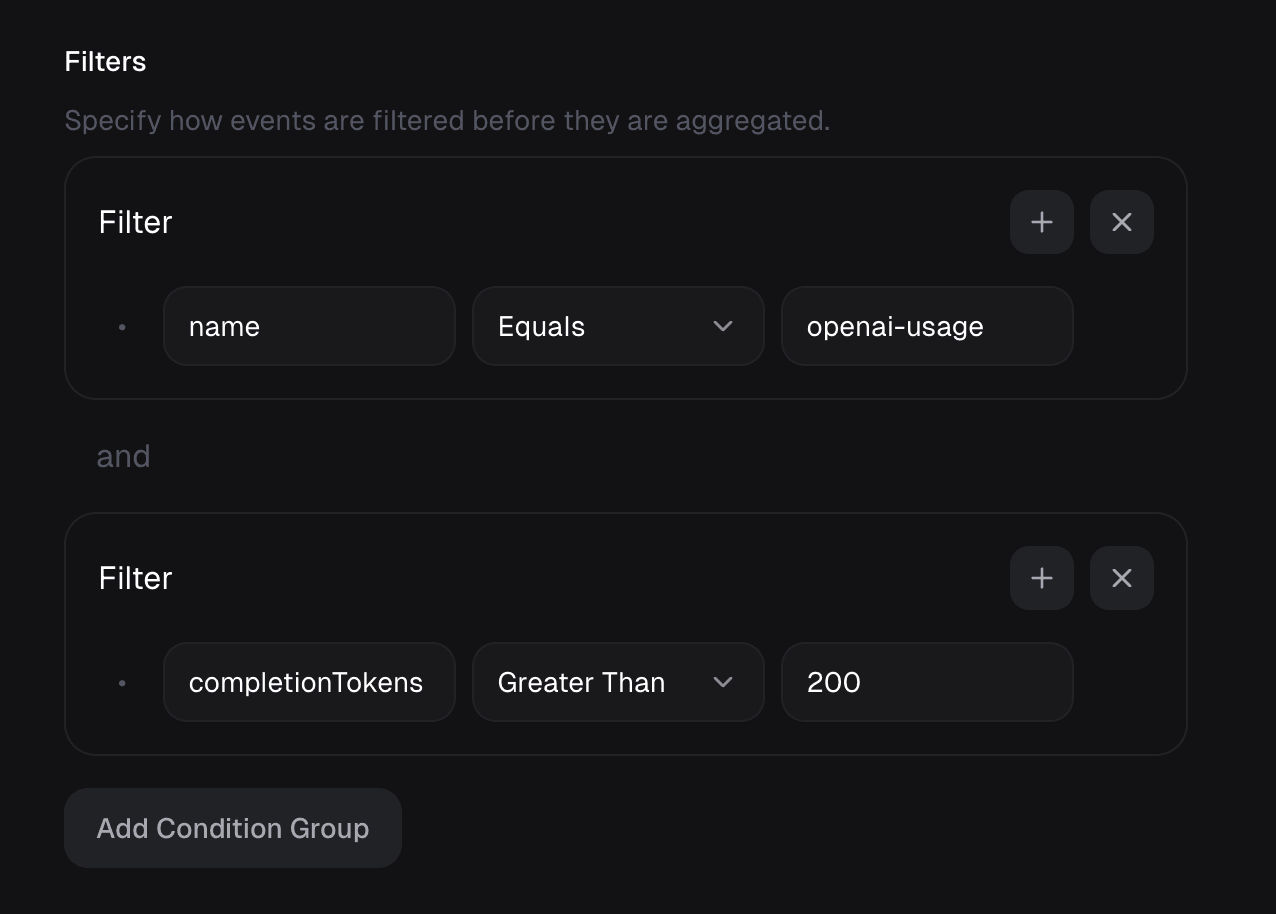
The following Meter Filter & Aggregation will match events that have the nameopenai-usage and sum units over metadata property completionTokens.